
Project case study
About the project
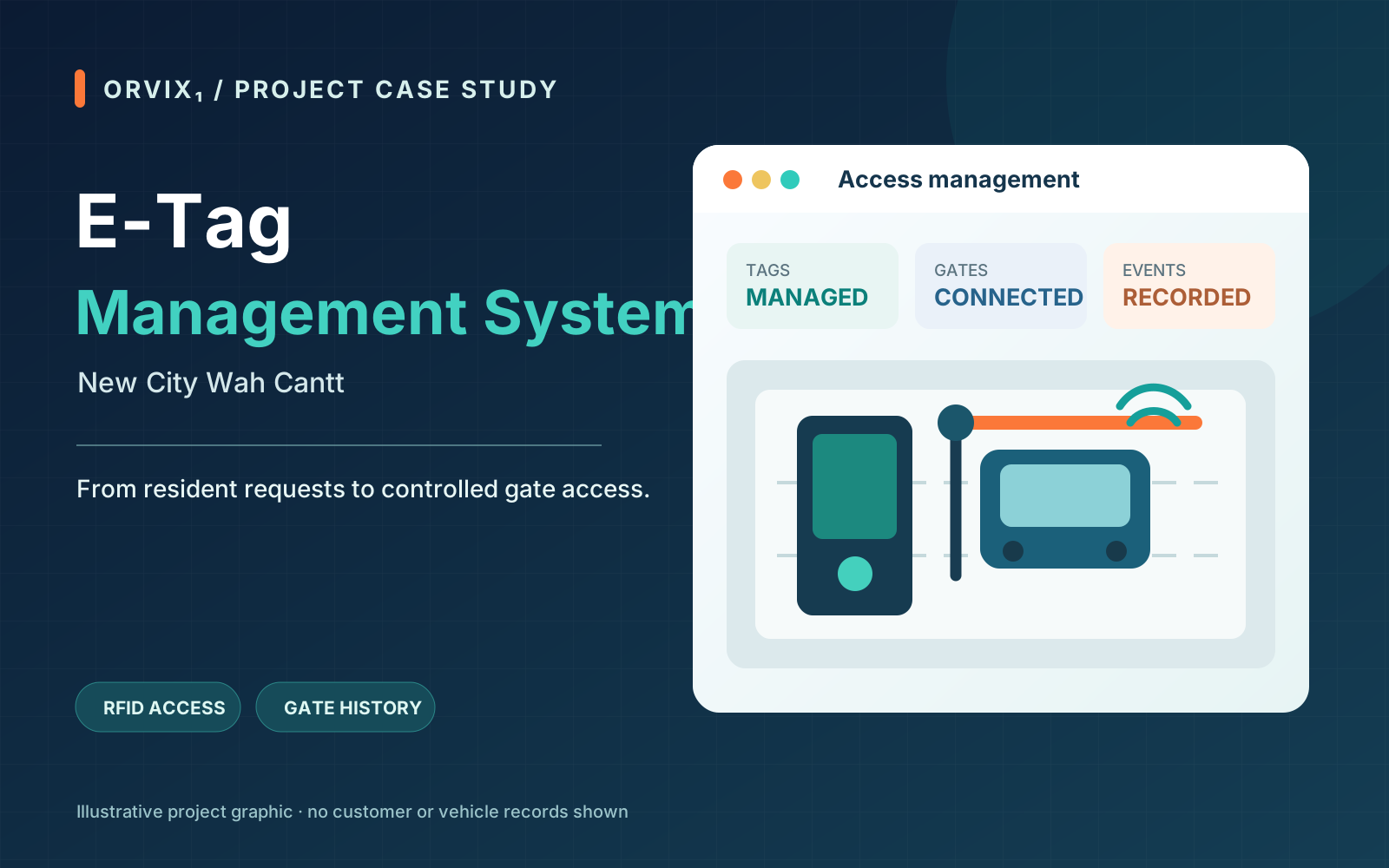
ORVIX₁ implemented an E-Tag management system for New City Wah Cantt. The solution links resident vehicle registration requests, RFID tag installation, gate access, and entry and exit records. A browser-based management application coordinates the records, while dedicated gate applications validate scans and operate the barriers.
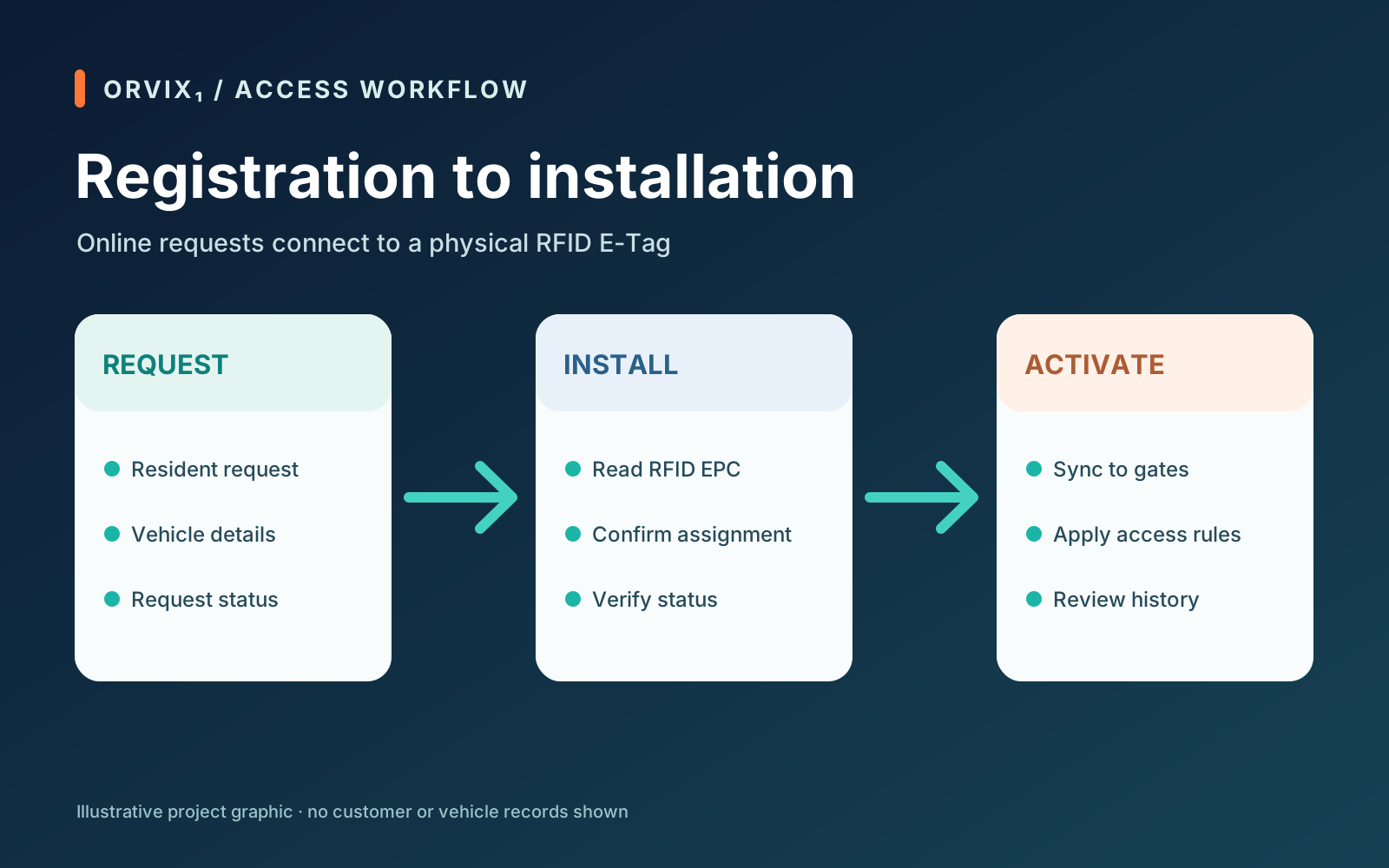
The New City workflow connects online registration details with the physical tag installed for a vehicle. Staff can review requests, issue an E-Tag through an RFID reader, and confirm the vehicle's access status. The actual RFID EPC is kept distinct from the registration reference supplied by the online service.
The operational challenge
An online request is only one part of a working access system. Staff need to identify requests ready for installation, assign the correct physical tag, preserve owner and vehicle details, and ensure every gate receives the current access status. Tag replacement and blocking must remain consistent across the management application and the gates. If connectivity drops, accepted gate events must still be recorded and delivered later.
New City needed a workflow that joins registration, tag installation, gate operation, and reporting without losing changes or duplicating movements when synchronization is retried.
How the system works
- Receive requests. The management application receives registration requests from the resident service and keeps their latest status and vehicle details available to staff.
- Issue the physical tag. An operator reviews a request, reads an RFID EPC, and confirms tag installation. The application verifies the online update before treating that tag as assigned.
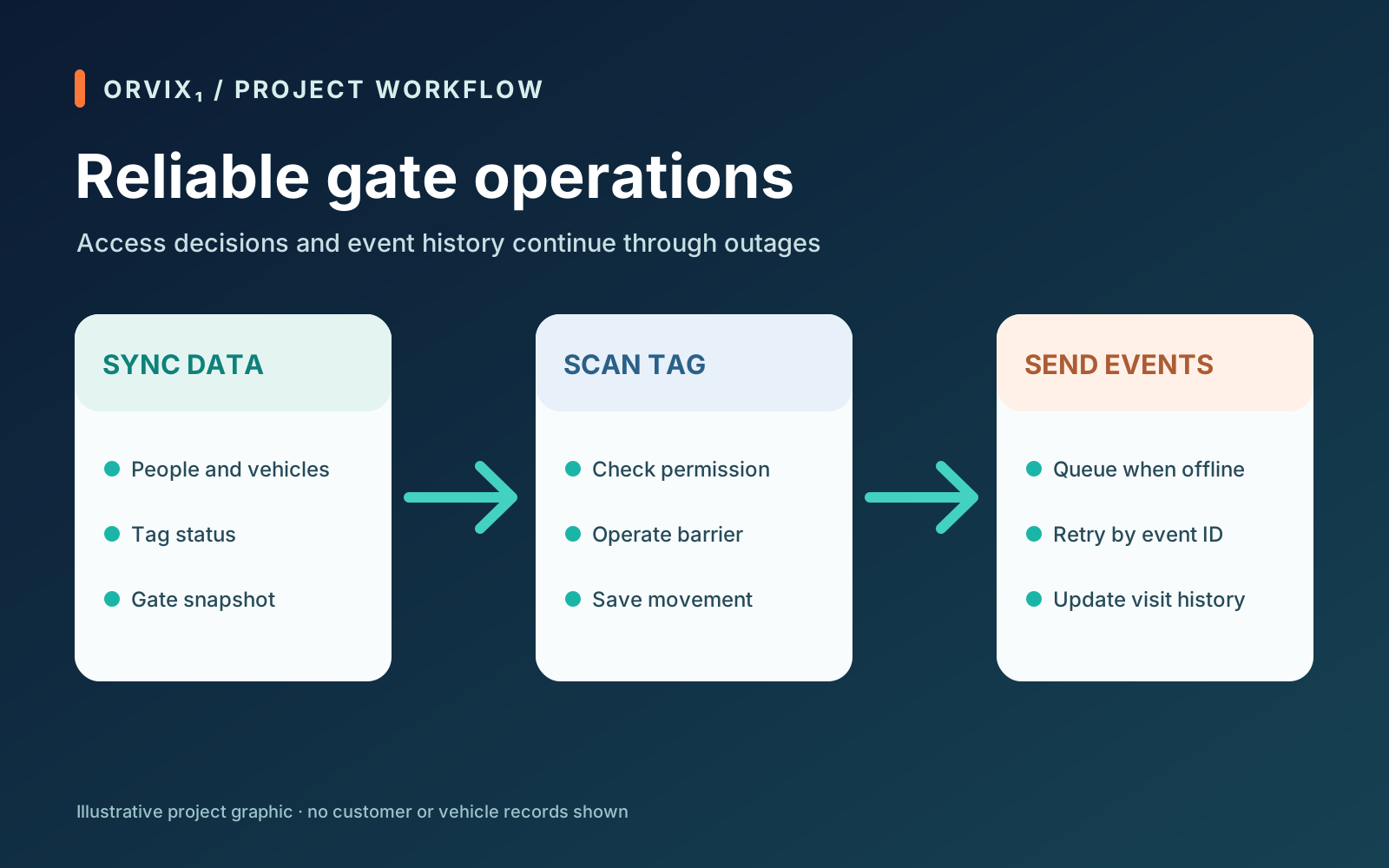
- Synchronize the gates. Approved people, vehicles, tags, and access status are sent through the hosted API. Gate applications refresh their own access snapshot.
- Control access. A gate checks each scanned tag against its available records, records the movement, and operates the barrier for an allowed vehicle. Blocked or unrecognized tags remain visible to the operator.
- Reconcile history. Gate events are stored with unique IDs and retried after an outage. The management application downloads them and builds entry and exit visits for review.
What we delivered
- Registration request workflow: a queue for requests ready for installation, detailed request review, and synchronization with the resident service.
- RFID installation: reader-assisted EPC assignment with confirmation of the vehicle's online tag and activation status.
- Tag replacement: a controlled replacement flow that preserves the vehicle and owner link and retains existing access history.
- Vehicle access administration: searchable people and vehicle records, tag status, and block or unblock controls.
- Gate operation: dedicated Windows gate applications with RFID scanning, barrier commands, and protected settings.
- Offline event handling: gate-side records and retryable synchronization so temporary network loss does not erase movements.
- Monitoring and reports: gate status, entry and exit visits, search, and PDF or spreadsheet exports for authorized staff.
Technology and delivery
The system uses Python and Flask for the management application, a Windows gate application for RFID and barrier control, and a secure PHP API backed by MariaDB for synchronization. SQLite databases retain management and gate-side data. The applications exchange snapshots and gate events over authenticated HTTPS requests; unique event IDs allow safe retries.
For New City Wah Cantt, the result is one connected path from a resident registration request to an installed E-Tag, an access decision at the gate, and a movement record available to the management team.